
How do I find Moon targets?
Use Radar, adjust scale as you approach, and wait for the Moon-relative target context after you leave Earth orbit.

Approximately Up moon landing guide: bright-side approaches, Radar flashes, RCS reserves, electric coasts, and what to do after the Moon. Verified August 2026.
Radar targets and early lunar routes.
~9 min read
Sponsored
This Approximately Up moon landing page separates the confirmed build → wire → fly → land loop from details that still need a current-build check. Approximately Up starts on Earth. Build modular ships in the garage, route Power and Data cables, fly first-person from inside your craft, land on Planet Stations to unlock permanent launch points, and complete delivery missions to unlock new components. Solo or up to four-player co-op on Steam. Use it as a garage-side reference, not as a promise that every unlisted binding, wattage, or thruster limit matches every patch.
The practical goal is simple: make one safer ship decision at a time, keep Power and Data intact after a crash, and turn a successful landing into a permanent Planet Station unlock. When a result is uncertain, rebuild near Earth and compare notes after you recover.
| Fact | Detail |
|---|---|
| Platform | Steam PC |
| Mode | Solo or up to 4-player co-op |
| Core setting | Earth start · ~15 unique planets · Planet Stations |
| Topic | Moon Landing |
| Role | Early destination after first missions |
| Radar | Scale adjusts Earth ↔ Moon; proximity cues vary — red flash reports exist in community guides but are not fully verified here |
| Atmosphere note | Community flights: Moon has usable atmosphere near surface; vacuum still needs electric thrust |
| Source boundary | Steam listing and current player-observed guidance; unconfirmed details are marked TBA |
You do not need a giant craft, but you do need translation thrust that survives the coast, RCS attitude with battery reserve, and a plan that avoids slamming into the far side. Community Moon tutorials favour aiming the bright side so an overshoot sails past instead of lithobraking.
The reliable foundation is the same whether you fly solo or with a crew: start on Earth, bolt modular frames and thrusters, route Power cables for energy and Data cables for control signals, then pilot first-person from the deck. A ship that looks finished but has a dead battery or a missing Data path will not fly the way you designed it. That is why moon landing advice should start with ports, orientation, and a recoverable garage test rather than with a supposed optimal mega-build.

A useful first flight tells you what failed: an unpowered thruster, a reversed Data port, an atmospheric thruster used in vacuum, or an RCS battery that died mid-roll. It does not automatically tell you to enlarge the hull. Pause long enough to name the failure, fix the circuit, and decide whether the next test can stay near the pad.
This avoids a common early failure: the crew launches a huge Workshop import, crashes far from Earth, and then cannot tell whether the problem was mass, wiring, or thruster type. If the current craft becomes confusing, a smaller rebuild that lands once is a successful session rather than a wasted attempt.
In co-op, say the subsystem, the symptom, and the intended fix: “RCS pitch dead, battery empty, swap cell,” is more useful than a long description. Solo players can apply the same discipline as a mental checklist. The game rewards decisions that leave you a second option when the first thruster bank fails.
With that baseline in place, the next question is not “can we fly farther?” but “what does continuing cost if the circuit fails again?”
Moon decisions are about speed, attitude reserve, and which thruster type still works where you are.
Use the table as a decision aid, not a hidden-stat calculator. Approximately Up has large modular ships and evolving community knowledge, so a precise number without an in-game check is less useful than a conservative threshold: protect a working circuit when recovery is uncertain, and test risky ideas only when you can still rebuild from a known station.
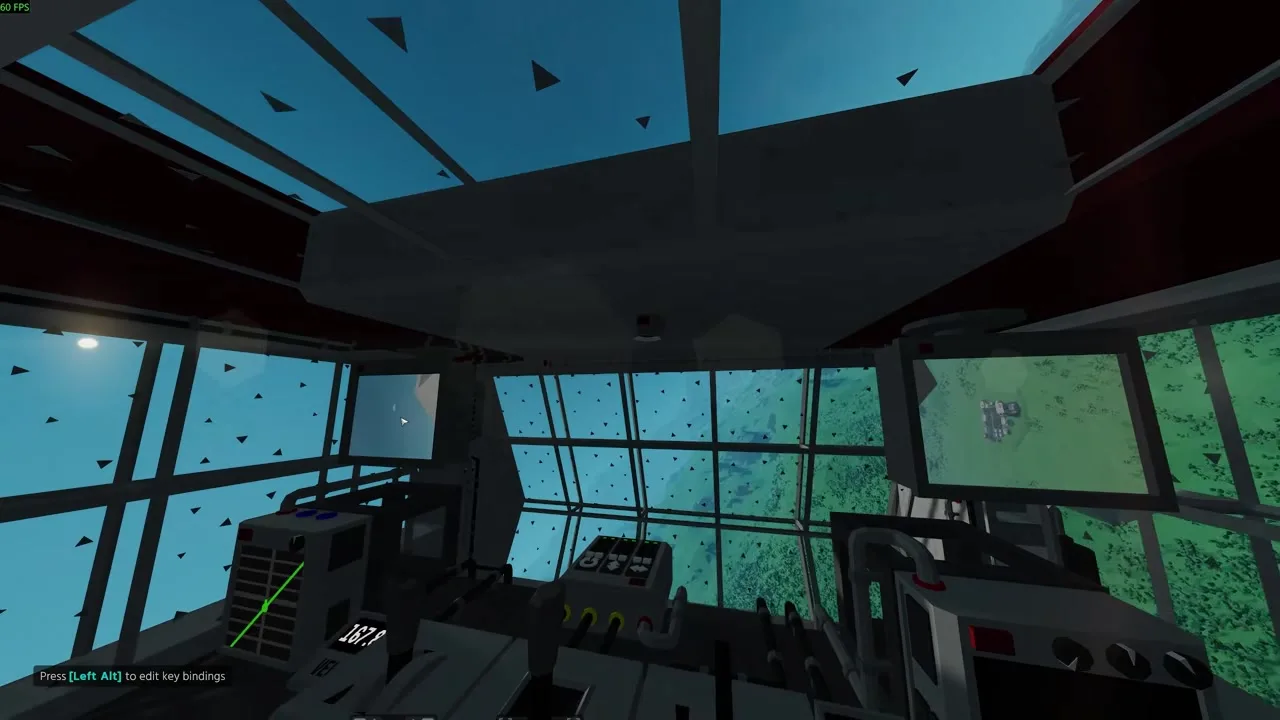
| Situation | Action | Why it is safer |
|---|---|---|
| Closing too fast | Cut main thrust early and reverse sooner than feels necessary | Overshoot corrections cost the RCS budget you need for landing |
| RCS pitch feels weak | Stop casual rolling; protect the remaining cell; use main thrusters for bulk moves | A dead pitch axis turns a near-miss into a crash |
| Radar still shows Earth scale | Keep closing until the Moon radar context appears; do not assume you are lost | Scale flips with proximity in community guidance |
| You are in vacuum between worlds | Prefer electric translation; do not expect atmospheric fans to save you | Atmo thrusters return as a tool near denser lunar air |
Deleting a long cable run, launching with disposable batteries near empty, or committing to a Moon approach with no RCS reserve can remove options. Before doing any of those, confirm what the ship keeps if the attempt fails. If the answer is “a dead hull with no station unlock,” choose the reversible option first: rewire, test hover near the pad, or land at a closer Planet Station.
That same habit makes progress steadier. One secure station unlock can change every later rebuild; a speculative crash often repeats the same first minutes with no new parts.
Matched by build plan, shared topics, and guide progression — not random related links.
Radar helps locate Planet Stations and packages. Adjust scale as you close; community Moon tutorials describe the display switching from Earth-relative to Moon-relative targets. Landing cameras help line up the pad once Radar shows you are in the neighbourhood.
Avoid turning a single player report into a universal rule. A report can be valuable evidence of a wiring pattern, yet it may come from a particular unlock state, thruster mix, or patch. Record the context before copying it: which planet, which thruster types, whether Power and Data both reached the block, and whether the result was repeated after a rebuild.

If you aim the lit hemisphere and overshoot, you are less likely to impact the dark mass you cannot see as well.
The useful follow-up is to connect this observation to the broader loop: does it make launch safer, reduce wiring confusion, change the Moon approach, or simply create a new risk? If it does not answer one of those questions, do not let it pull you into a larger hull before the current circuit works.
Once the station unlocks, later questions shift to longer routes and the next worlds — do not empty every battery celebrating before you can leave again.
The useful follow-up is to connect this observation to the broader loop: does it make launch safer, reduce wiring confusion, change the Moon approach, or simply create a new risk? If it does not answer one of those questions, do not let it pull you into a larger hull before the current circuit works.
A successful Moon landing permanently improves your rebuild options if you unlocked a Planet Station. Community FAQ clusters also ask about returning to Earth, animal transport achievements, and the next planet hops — treat those as separate mission pages rather than stuffing every achievement into the first lunar checklist.
A conservative guide is especially important while the live knowledge base is still growing. The Steam description confirms the broad systems—modular frames, Power and Data cables, atmospheric and electric thrusters, Planet Stations, missions that unlock parts, and up to four-player co-op—but it does not publish a complete numerical database for every block. Tables on this site therefore distinguish a confirmed loop from TBA details instead of filling gaps with invented wattages.
If the station is the goal, dock and secure the unlock while the craft still has Power.
If the observed result matters to your next flight, verify it again after a patch or compare it with a concise report in the community. Keep the claim narrow: “this happened with this thruster layout” is more useful and more durable than a broad claim about every ship.
Exact transfer times, gravity numbers, and full radar ranges stay TBA without measurement.
If the observed result matters to your next flight, verify it again after a patch or compare it with a concise report in the community. Keep the claim narrow: “this happened with this thruster layout” is more useful and more durable than a broad claim about every ship.
Check the current build before treating a named binding, numerical power draw, channel name, exact thruster limit, or complete part roster as settled. The official Steam page is the source for the game’s core premise and player count; the verified Discord is the best route for patch-sensitive questions. Do not use copied invite links or anonymous “full databases” as authority.
Use Radar, adjust scale as you approach, and wait for the Moon-relative target context after you leave Earth orbit.
Community flights report usable atmosphere near the lunar surface so atmo thrusters can help on final approach, but vacuum coasts still need electric thrust.
Secure the Planet Station unlock, recover Power, then plan the next mission or planet hop instead of draining RCS on celebration rolls.
No. This guide labels build-specific values, full part rosters, and unverified names as TBA rather than guessing.
Next: planets wiki. It continues the decision from this page into the part of the loop that keeps your next flight recoverable.
Matched by build plan, shared topics, and guide progression — not random related links.